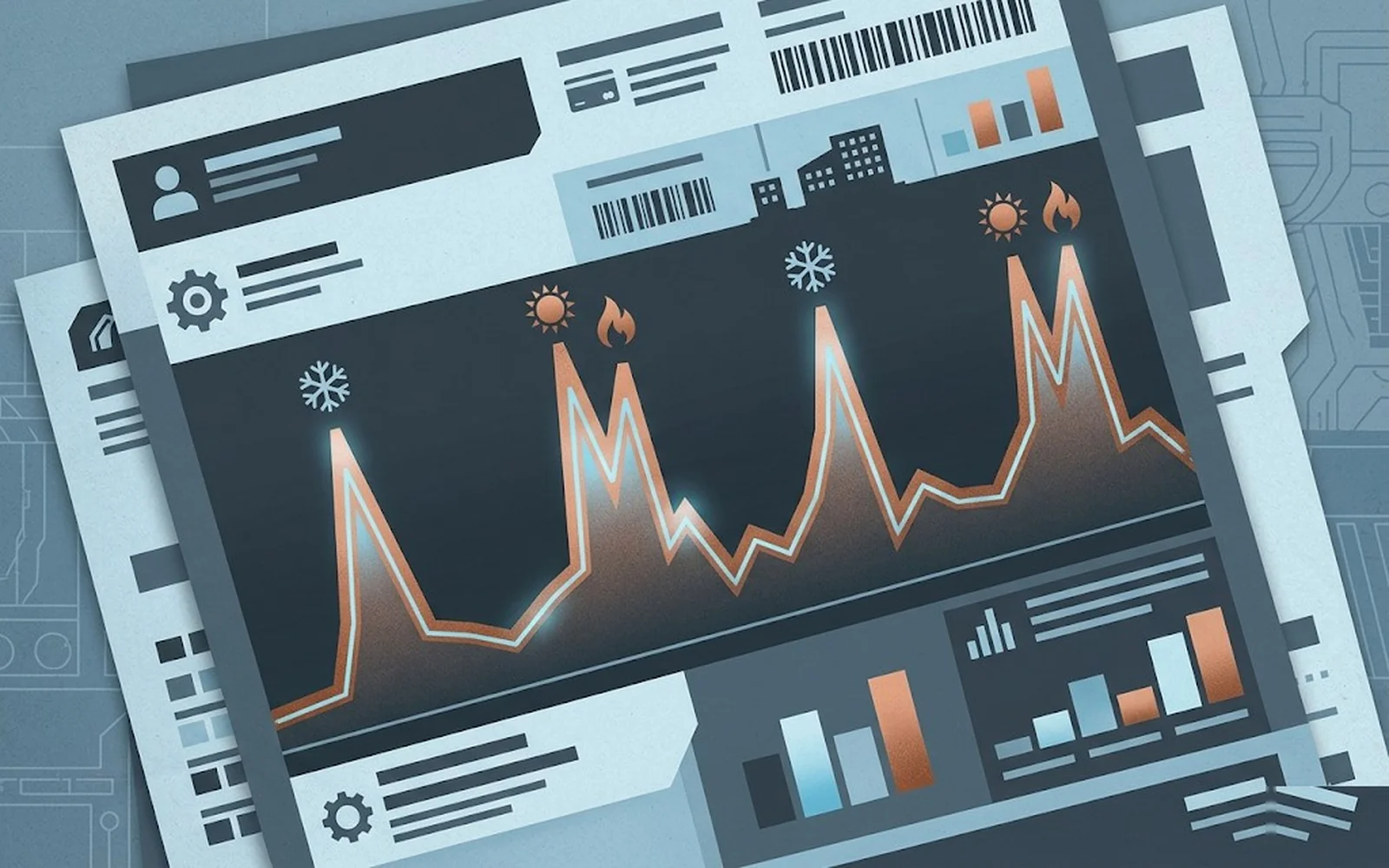
Most homeowners glance at the total-due line on their utility bill, wince, pay it, and move on. That's leaving real diagnostic information on the table. Your electric and gas bills together are a month-by-month log of how hard your HVAC system is working — and they will reveal a failing system three to six months before the system itself breaks, if you know what to look at. This post walks through exactly what to pull off your bill, how to normalize it against weather, and what patterns mean what. It is not a substitute for a professional diagnostic, but it is an excellent early-warning system that costs you nothing.
01The three numbers that actually matter
Every utility bill has a dozen line items that exist mostly for billing reasons. The numbers you actually need:
Everything else — demand charges, fixed fees, riders, transmission, generation — is either fixed or derived from those three. If you have a modern smart meter and your utility offers an online dashboard (most do now), you can get this data in a spreadsheet going back 13–24 months. DOE Energy Saver has a good walkthrough for requesting this data if the utility portal isn't obvious.
02Why raw usage numbers lie
You cannot compare this June to last June by just looking at kWh. A June with a 95°F average is going to use dramatically more cooling than a June with an 83°F average, even if your system is in identical condition. To actually compare, you need to normalize by cooling degree-days (CDD) or heating degree-days (HDD).
A degree-day is a measurement of how much outdoor temperature deviates from a base temperature (typically 65°F) over 24 hours. A day averaging 85°F outside logs 20 CDD. A week averaging 85°F logs 140 CDD. Your weather service publishes these; DegreeDays.net gives them free by zip code.
Worked example
Last July: 1,840 kWh used, 420 CDD that billing period → 4.38 kWh/CDD.
This July: 2,110 kWh used, 445 CDD that billing period → 4.74 kWh/CDD.
Raw change: 2,110 vs 1,840, or +14.7% — you might panic.
Normalized change: 4.74 vs 4.38, or +8.2% — meaningful but not emergency.
A consistent normalized increase of 5–10% year-over-year is in the "watch it, probably needs a tune-up" zone. Over 15% is in the "schedule a diagnostic" zone. Over 25% is the "something is wrong right now" zone.
03Cooling-season patterns that signal specific problems
Once you have a few months of normalized data, patterns tell you things:
Gradual increase over 18–36 months (5–15%)
Usual culprits: dirty outdoor condenser coil, dirty evaporator coil (biofilm buildup), aged refrigerant charge slightly low, duct leakage that's grown worse, filter discipline slipping. A $150 tune-up that includes coil cleaning and a refrigerant pressure check usually catches all of these.
Sudden jump (20%+) in one or two billing periods
Usual culprits: refrigerant leak (lost significant charge), failing capacitor causing motor to draw high amps, condenser fan motor struggling, compressor efficiency degrading. At this point runtime per hour is climbing visibly — the system can't satisfy the thermostat so it runs longer. Schedule a diagnostic this week, not next month.
Asymmetric cooling-vs-heating change
If cooling kWh/CDD is up 18% year-over-year but heating therms/HDD is flat, the problem is squarely in the AC side. If both are up, the shared component — blower motor, duct system, thermostat control — is suspect. This asymmetry saves diagnostic time.
Baseload creep
Pull a non-HVAC month (April or October in most climates — both heating and cooling demand are near zero). Compare year-over-year. If baseload kWh is up, the problem isn't HVAC; it's a failing refrigerator, a pool pump that's working harder, vampire loads, or a new device you forgot about. This tells you what isn't the issue.
The best diagnostic tool for figuring out if it's the AC is comparing an AC-heavy month to an AC-light month. If both are up, it's not the AC.
04Heating-season patterns (gas)
For gas heat, the same logic applies with therms/HDD. A few patterns:
Rising therms/HDD on a gas furnace
Typical causes: dirty flame sensor or ignitor causing inefficient combustion, blower motor weakening (forcing longer cycles), heat exchanger deposits, thermostat miscalibrated, duct losses. An annual combustion analysis with a proper analyzer (Testo 330 or Bacharach Fyrite) catches most of this — look for O₂ levels, CO output, and stack temperature on the report. A combustion efficiency drop from 94% to 88% costs real money across a winter.
Rising therms plus rising kWh in heating season
If you have a gas furnace, this is the classic signature of a failing blower motor (drawing more electricity) causing longer runtimes (burning more gas). The two metrics together are much more diagnostic than either alone.
Heat pump in heating mode
Heat pump kWh/HDD should vary with outdoor temperature — colder days produce lower COP. If you're seeing higher kWh/HDD at moderate outdoor temps (above 30°F) than you used to, something is wrong — probably low refrigerant charge, defrost cycle stuck on, or auxiliary electric resistance engaging unnecessarily.
05Time-of-use (TOU) rate plans: when matters as much as how much
If your utility has moved you to a time-of-use rate — common in California, Arizona, Texas ERCOT, and increasingly elsewhere — your bill now rewards running HVAC during off-peak hours and punishes running it during peak. Typical peak/off-peak differentials are 2–4x the rate.
Strategies that emerge from TOU data:
A well-tuned TOU strategy typically saves 8–15% on total summer electric cost for the same comfort level. Your utility bill is where you verify whether it's working.
06What the bill cannot tell you
Let's be clear about limits. Your utility bill will tell you something is using more energy than it used to. It cannot tell you which component is at fault. A 20% kWh/CDD jump could be:
- Low refrigerant charge
- Failing compressor valves
- Condenser coil 80% blocked with cottonwood or dryer lint
- Evaporator coil with biofilm
- Failing blower motor
- Duct leakage in the attic
- Thermostat calibration drift
- A teenager who discovered the thermostat override
What the bill does is tell you when to call. A 20% year-over-year jump at equivalent weather justifies the $85–$150 diagnostic visit. The diagnostic is what narrows down which of the above is the actual culprit.
07A quick 20-minute monthly routine
Here's the habit we recommend to customers with older systems:
Twenty minutes a month. A $150 tune-up in May beats a $1,600 emergency repair in July.
08What about smart energy monitors?
Whole-home monitors like Sense, Emporia Vue, and Span Panel can break total consumption down by circuit, so you can see HVAC specifically separated from the refrigerator and the water heater. For a serious diagnostic hobbyist or a homeowner in a complex system, these are useful — a $300 monitor pays for itself the first time it flags a failing compressor before summer breakdown. For most homeowners, the utility bill plus degree-days is enough signal.
09The bottom line
Your utility bill is the cheapest HVAC diagnostic you will ever own. It won't tell you what's wrong, but it will reliably tell you when something is wrong, often months before performance degrades enough to notice at the thermostat. Normalized year-over-year comparison — kWh per CDD in summer, therms per HDD in winter — is the key metric. When that metric climbs 15%+, the next call is to a licensed tech with a diagnostic manifold and clamp-on ammeter. The earlier you catch it, the cheaper the fix, and the less summer misery you spend in a 82°F house waiting for a parts order.